
Your funds
Your first deposit, step by step
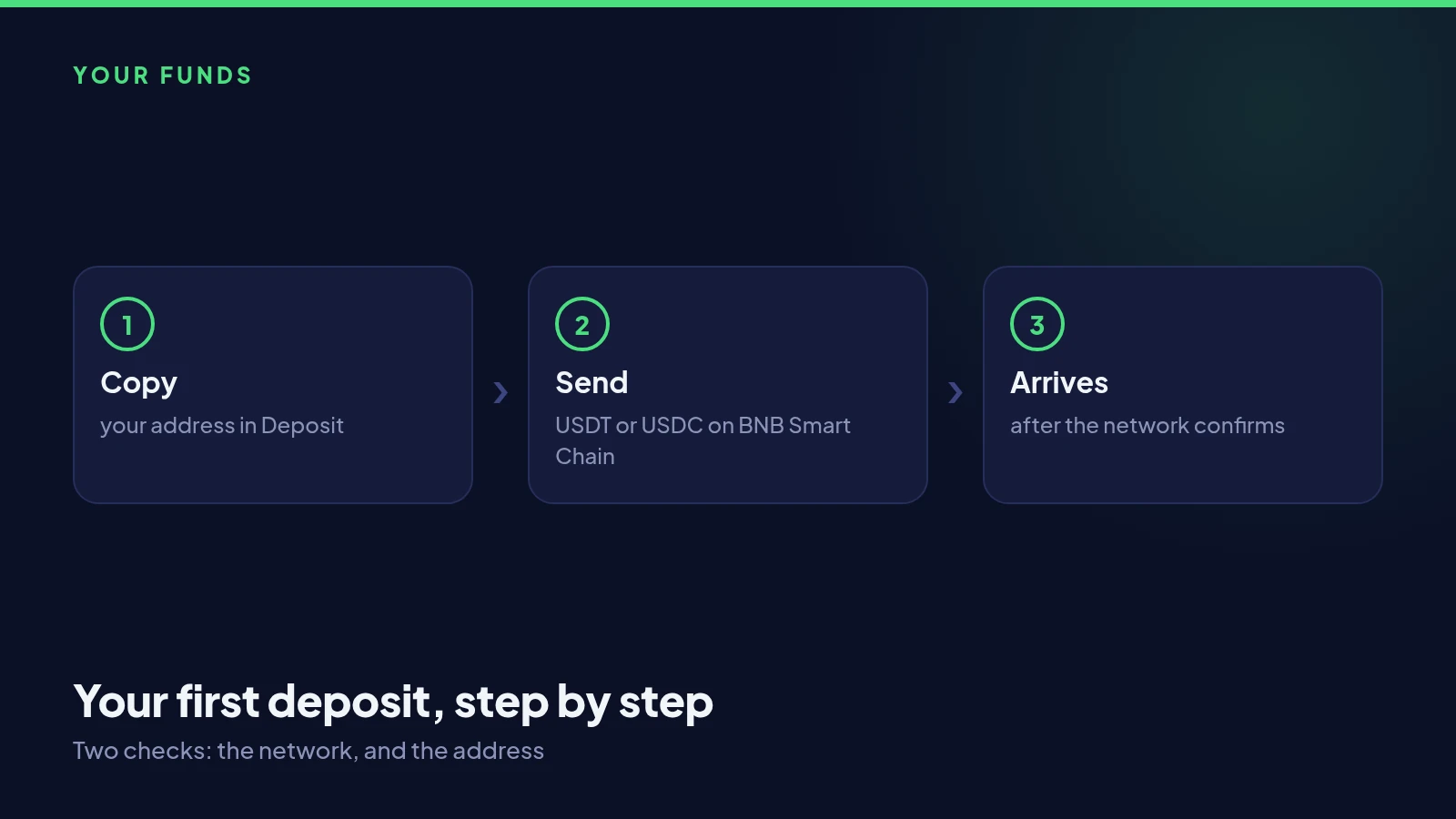
Moving USDT or USDC into your fourdigits Wallet takes a couple of minutes. Here is each step, in order, including the two checks that matter.
Find your address
Open Deposit in the app. You will see your own personal address on BNB Smart Chain, shown as text and as a QR code. It belongs to your account alone and does not change, so you can save it in your exchange’s address book once and reuse it.
Send from your exchange or wallet
In your exchange, choose to withdraw USDT or USDC to an external address. Paste your fourdigits address, and select BNB Smart Chain, sometimes shown as BEP20 or BSC, as the network. Check the first and last few characters of the address against the app before you confirm.
Wait for the network
Once your exchange sends the transfer, the network needs a short time to confirm it. The Deposit screen shows how many confirmations are needed, and the money appears in your fourdigits Wallet as soon as they are reached, usually within a minute or two. You will see it in your activity list with the time it arrived.
If it has not arrived
Check your exchange shows the withdrawal as completed, and that it went out on BNB Smart Chain to the address shown in the app. Most delays are simply the exchange taking time to send. If everything matches and the money is still not there after half an hour, message support from the app with the transaction hash.