
Security
Phishing emails: how to read a sender and a link
A convincing email with a logo and your name can still be fake. Two things give nearly all of them away: the real sender address and where the link actually goes.
Look past the display name
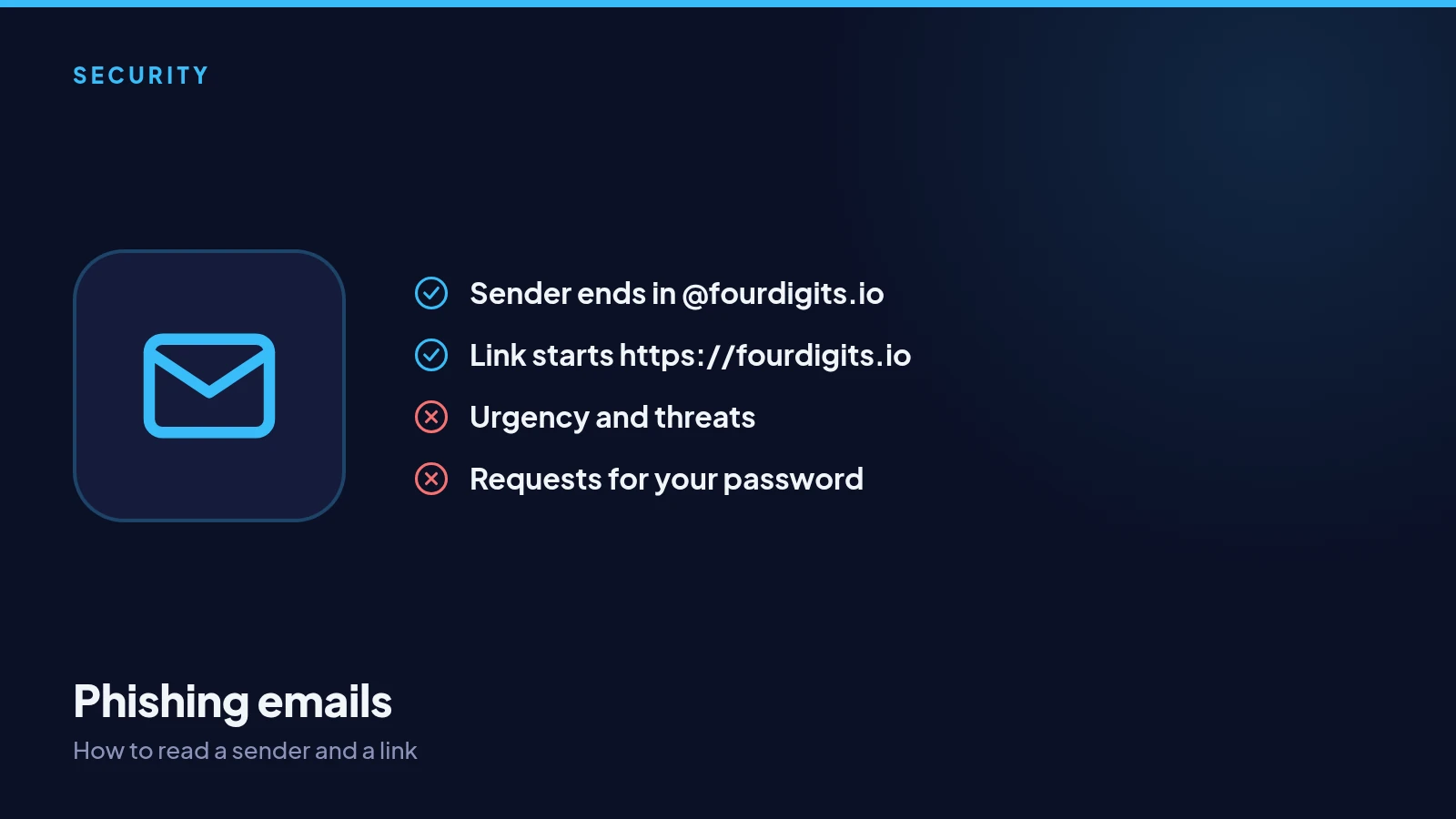
An email can show any name it likes as the sender. What matters is the address behind it. Ours always end in @fourdigits.io. An address like support@fourdigits-help.com or a free email account is not us, however official the message looks.
Check where a link goes
On a computer, hover over a link and the real destination appears in the corner of the window. On a phone, press and hold. The address must start with https://fourdigits.io. If it is anything else, or a shortened link, do not open it.
Signs of a fake
Urgency, threats, prizes you did not expect, requests to confirm your password, and attachments you did not ask for are all warning signs. Real emails from us never ask you to sign in through a link to fix a problem or claim a prize.
The safe habit
Whatever an email says, open the app or type fourdigits.io yourself instead of following the link. If something really needs your attention, it will be there. If you receive a phishing email, delete it; if you clicked and entered your password, change it straight away.