
Security
Think someone has got into your account? Do these five things
An unexpected sign-in email, a withdrawal address you did not add, or a password that no longer works. What to do in the first minutes, in order.
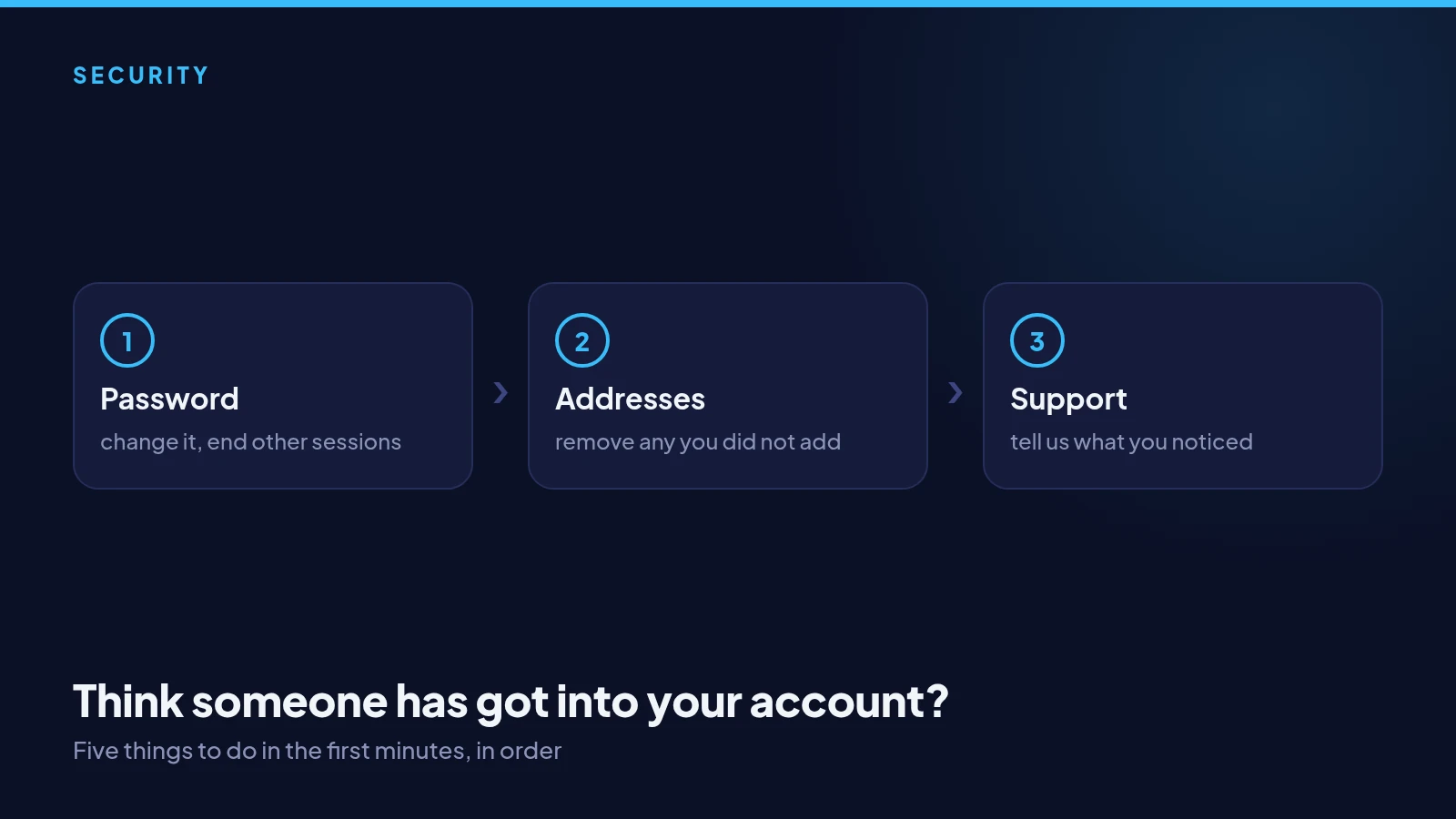
Change your password now
If you can still sign in, change your password straight away from Settings. That ends every other session at once, so anyone else signed in is thrown out. Choose a new password you have never used anywhere else.
Check your authenticator
Make sure two-factor authentication is on and that it is your phone generating the codes. If it is on and you did not set it up, contact support immediately. If it is off, turn it on before you do anything else.
Check your withdrawal addresses
Look at your saved withdrawal addresses and remove any you do not recognise. New addresses cannot be used for 24 hours after they are added, which gives you time to catch one that should not be there.
Secure your email, then tell us
Change your email password and turn on its two-factor authentication too, since email is how passwords get reset. Then message support from the app with what you noticed and when. The faster we hear, the more we can do to help.